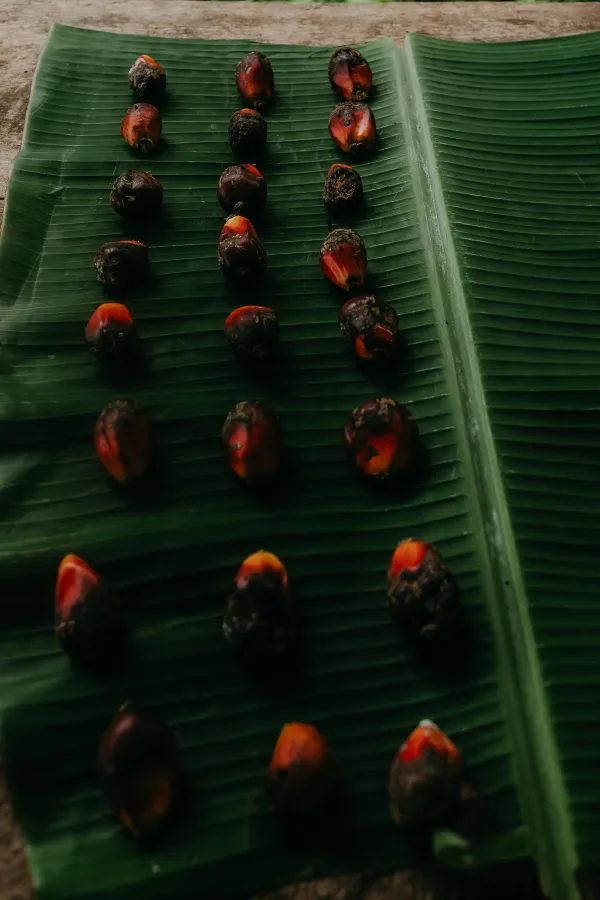
 15 ha oil palm plantation — Dabou4.5M FCFA / ha
15 ha oil palm plantation — Dabou4.5M FCFA / ha

Automated assistant: it can make mistakes. For an important decision, talk to an advisor on WhatsApp.

or
Already added as a shortcut? Remove the old icon, then install again.
Your browser can only create a shortcut. For the real app (in your app list, with no address bar), open the site in Google Chrome:
Open in Chrome